In flight test · iPhone & iPad

Learn the language of aviation.

Read a working instrument. Make the radio call and hear the answer. Find your way around the chart. Hands-on lessons make aviation click, one discovery at a time.

No experience needed. Plenty to grow into.

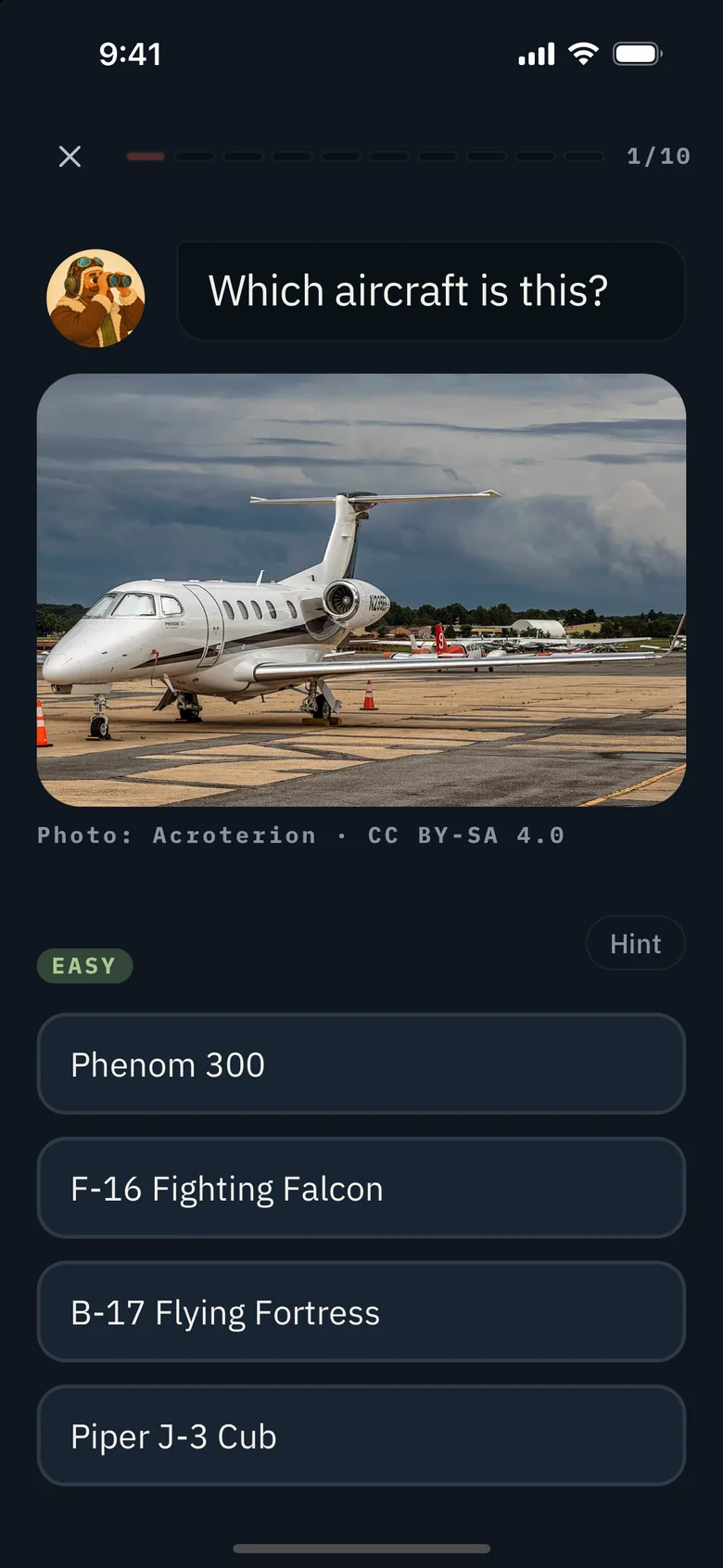
Pilotage’s instrument lesson, with a working altimeter and answer choices
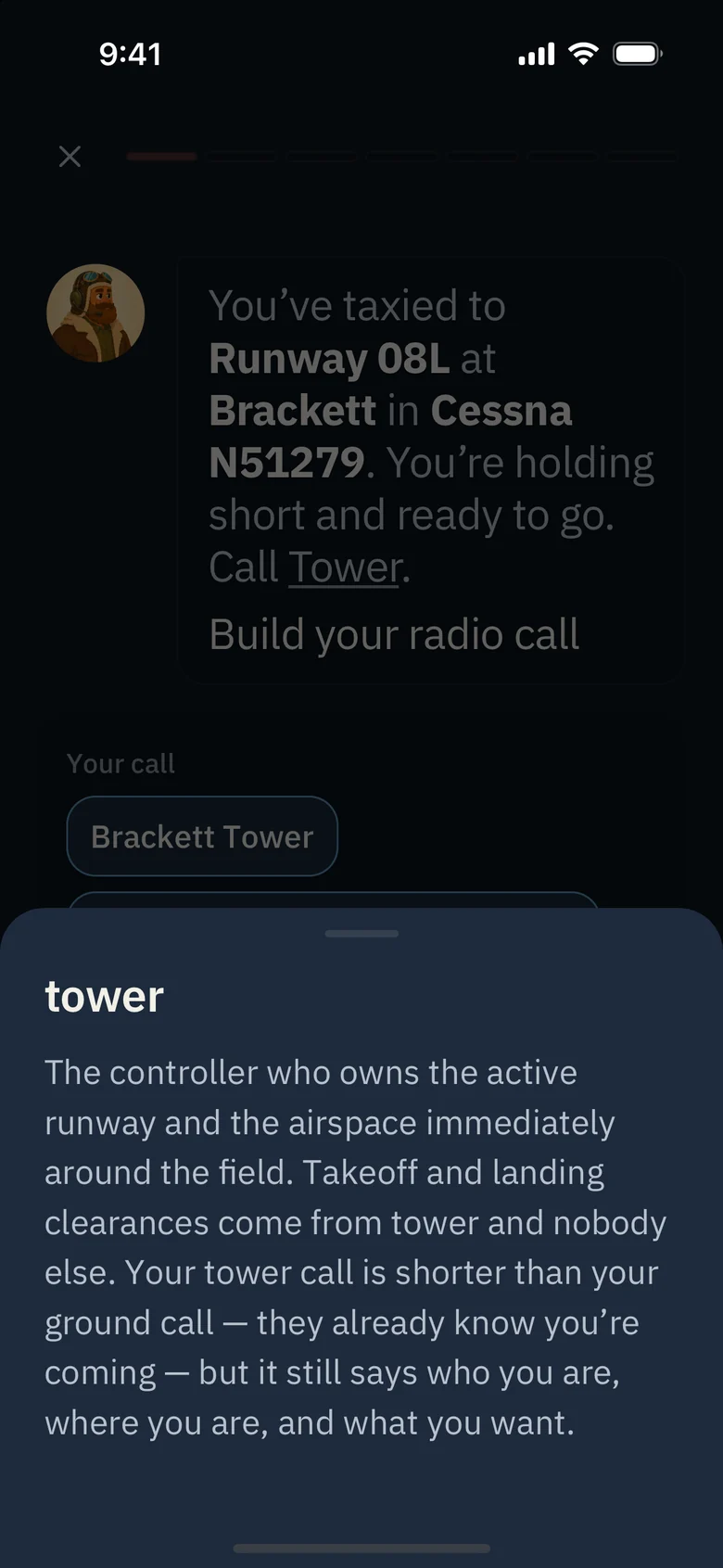
A radio call assembled from phrase tiles in Pilotage
The Pilotage home screen, with course photography, flight progress, and app navigation
The Hangar
The Instruments course is free in full.Built by a pilot, for the aviation-curious
Hands on, from the start

You learn it by using it.

Watch the needle move. Hear what the controller said. Try your answer and understand why it works. Every lesson helps the next piece fall into place.

At your pace

Pilotage keeps up with you.

Start from zero or show us what you already know. Settle in for a quick lesson or a longer session. Your understanding sets the pace.

Take your time. Or give us something to keep up with.

  1. Find your starting point.

    A placement test puts you where the learning gets useful. New to aviation? We’ll start at the beginning.

  2. Pick up the pace as it clicks.

    Lessons accelerate when you show mastery and give you more practice where you need it. Rusty knowledge comes back for review.

  3. Ready to move ahead? Prove it.

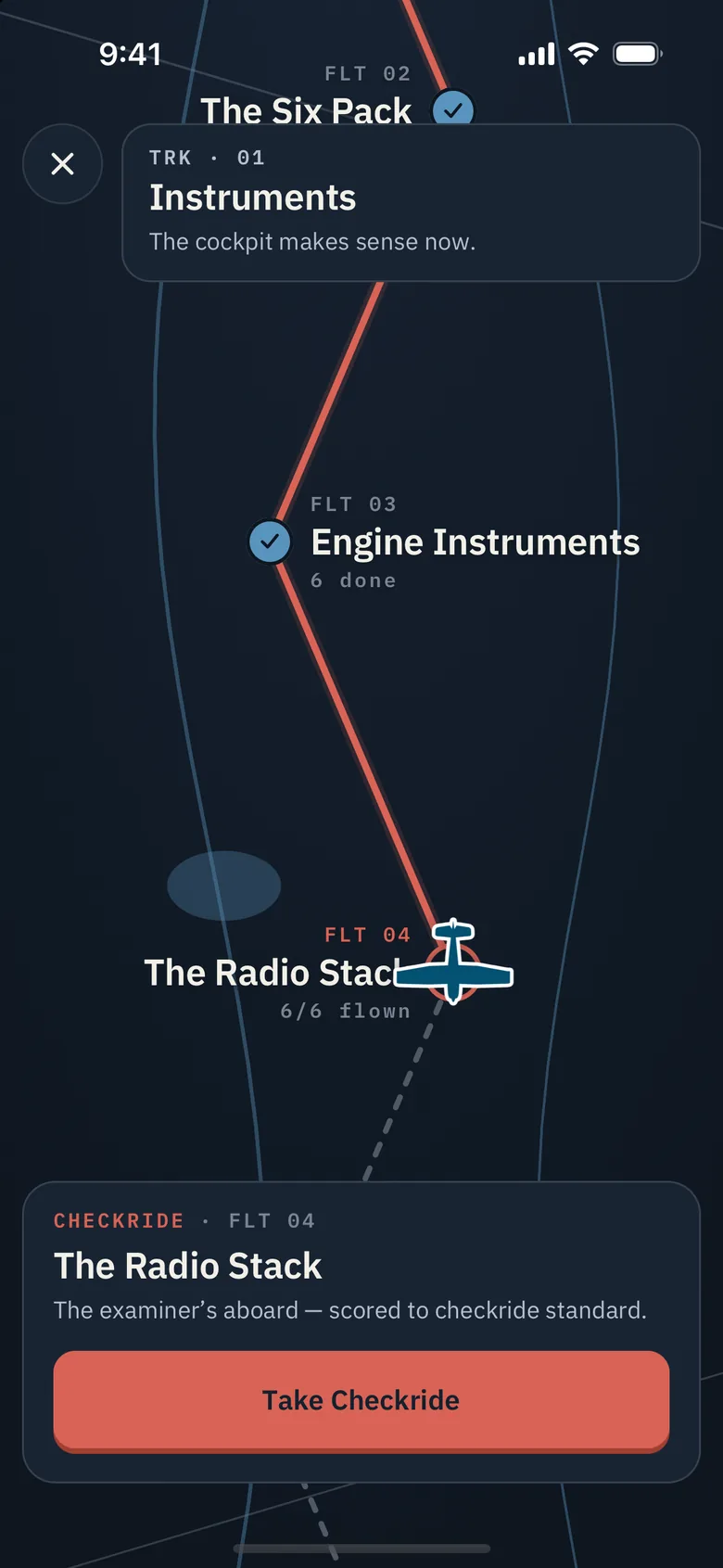
    Take a checkride to test ahead. You can show what you know whenever you’re ready.

Meet the voices

There’s someone on the other end.

Ground, Tower, Approach, and the airplane beside you. Hear a little of the crew you’ll learn with.

Tally, the ground controller Ground

Tally

Runs the ramp and the taxiways.

Read transcript

Cessna four papa lima, runway two two, taxi via Alpha, hold short runway one six.

Mike, the tower controller Tower

Mike

Your voice from the tower.

Read transcript

Cessna four papa lima, wind two five zero at eight, runway two two, cleared for takeoff.

Avery, the approach controller Approach

Avery

Keeps the bigger picture in view.

Read transcript

Squawk four seven two one and maintain three thousand five hundred.

Victor, the pilot N734PL

Victor

The other airplane on frequency.

Read transcript

Monrovia Ground, Cessna seven three four papa lima, at the south ramp, with Alpha, ready to taxi.

Seven courses. Plenty to discover.

Start with the cockpit. Keep exploring.

The Instruments course is free in full. Try a free Demo Flight in every other course, then unlock the rest with a subscription.

TRK · 01Free

Instruments

The cockpit makes sense now.

6 flightsFree in full
TRK · 02Premium

Radio & Communications

Say it like you mean it.

11 flightsDemo Flight free
TRK · 03Premium

Controls & Cockpit

Why the airplane does what it does.

10 flightsDemo Flight free
TRK · 04Premium

Charts & Navigation

Reading the map aviation actually uses.

8 flightsDemo Flight free
TRK · 05Premium

Weather

The sky is always telling you something.

7 flightsDemo Flight free
TRK · 06Premium

Airspace

Who owns the sky up here.

5 flightsDemo Flight free
TRK · 07Premium

Pilot Life

Knowing when not to go.

3 flightsDemo Flight free

A subscription includes every course, every drill, and new courses as they arrive.

And a little more to keep you coming back.

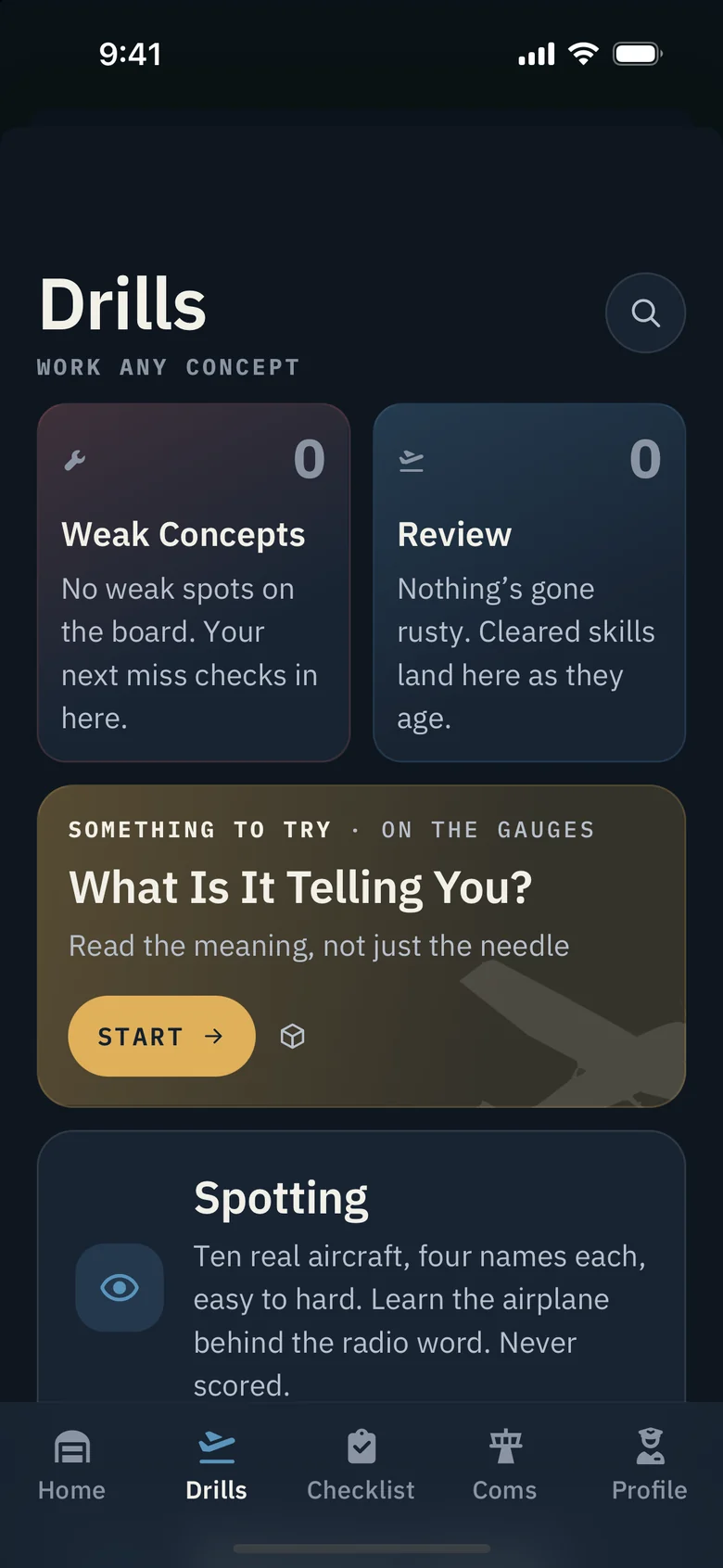
A drill for the thing that needs work.

Radio calls, instrument readings, traffic spotting, weather broadcasts. Pick a skill and get some reps in.

A rhythm that fits your life.

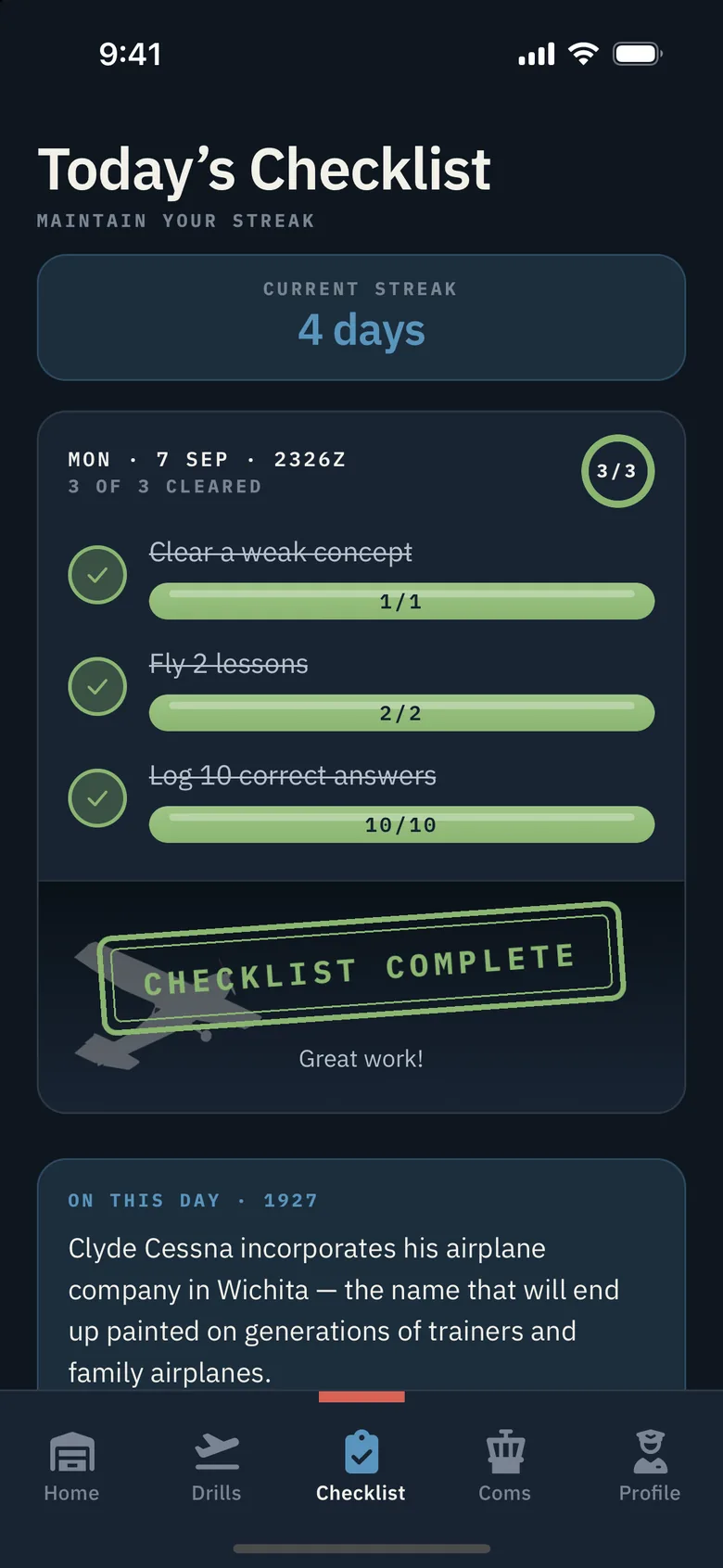
Choose your weekly goal. Your checklist and streak follow the plan you set, with reminders when you want them.

A definition when you need one.

Tap an unfamiliar term during a lesson and get a plain-language explanation, right where you are.

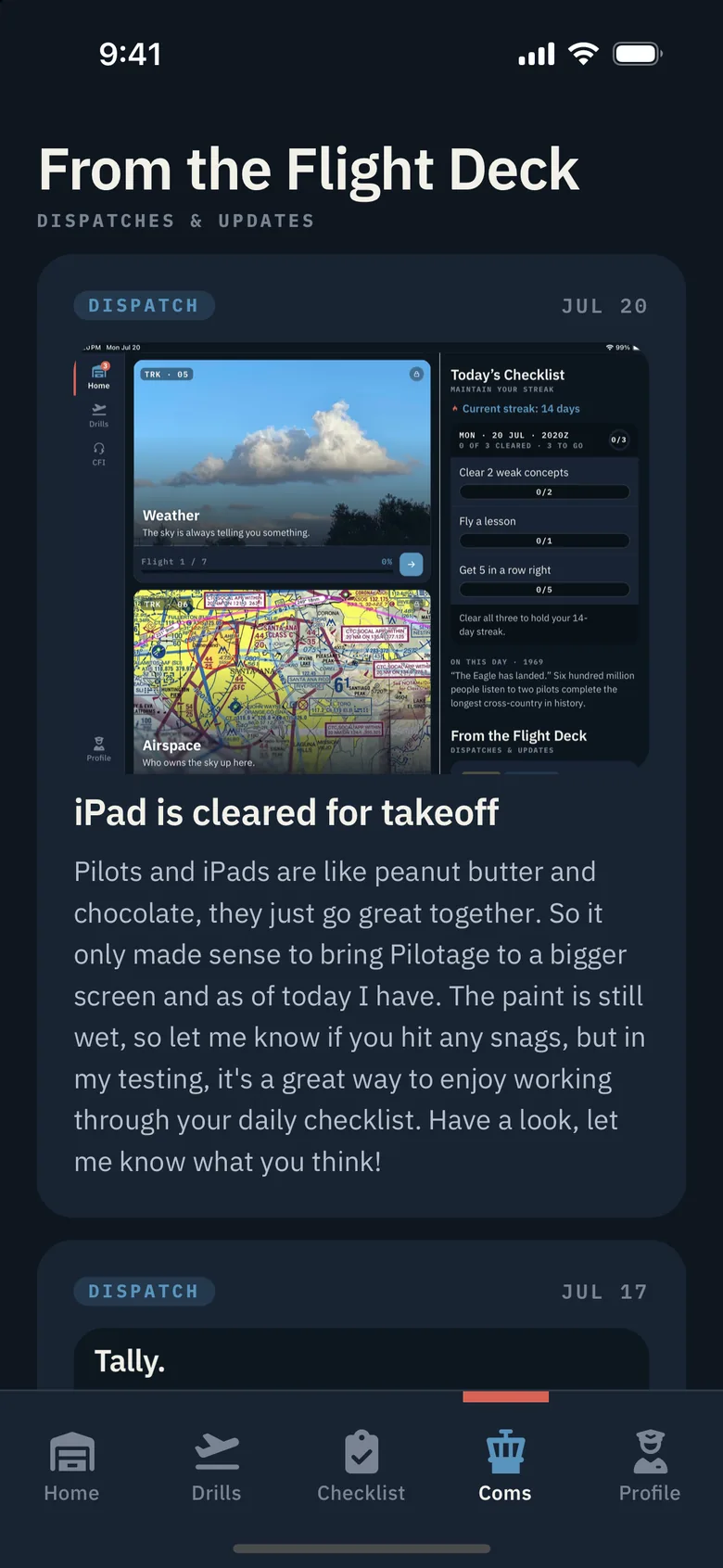
More room on iPad.

A bigger panel, a wider chart, and your checklist beside your flights. Your progress comes with you.

A little aviation, every day.

A home-screen widget, a daily slice of aviation history, and occasional dispatches from the founder.

Comfortable in your hands.

Dark mode, reduced motion, VoiceOver labels, and quiet alternatives when you can’t practice out loud.

Built by a pilot

The tool I wish I’d had.

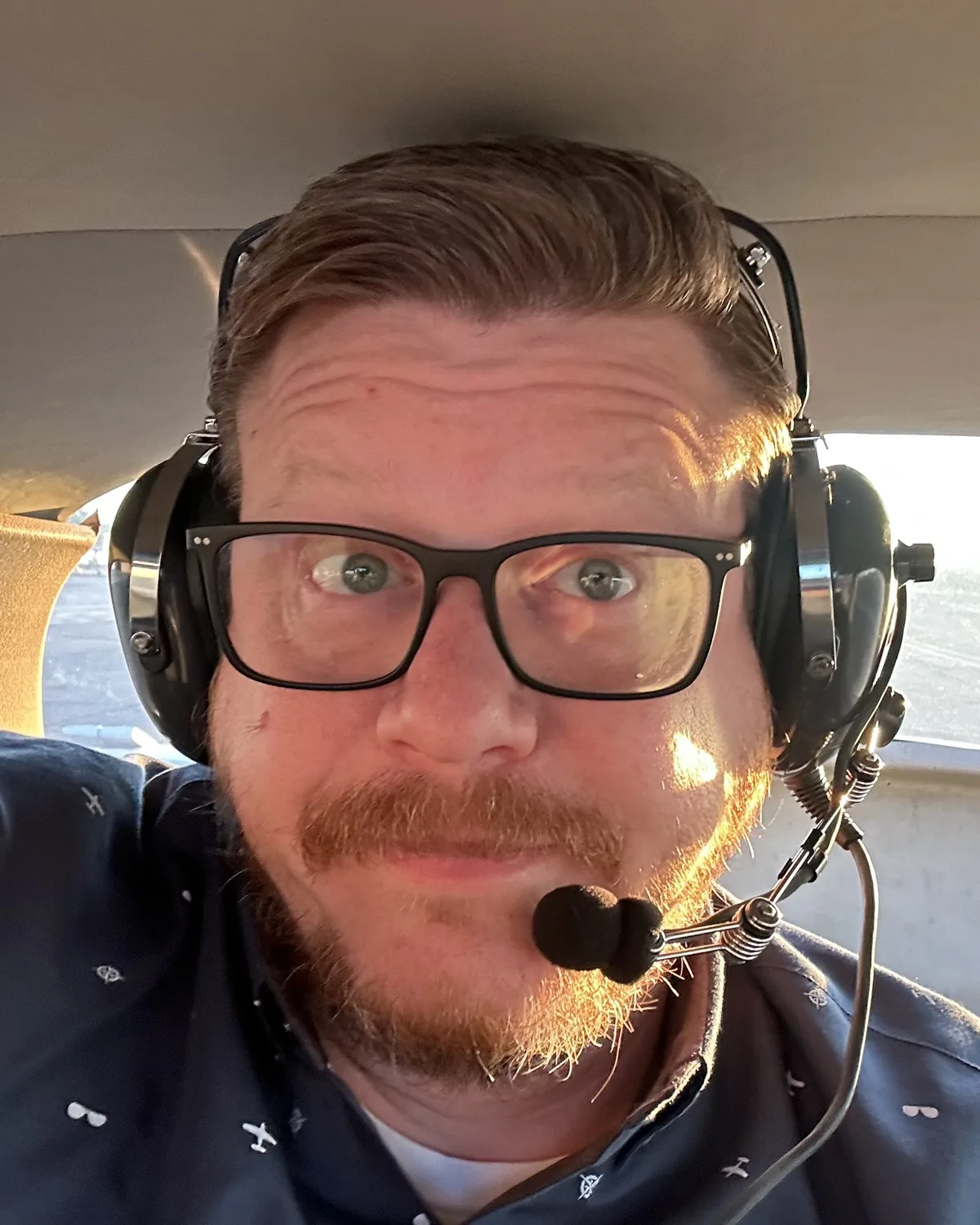
I’m a private pilot, and I built Pilotage to make the cockpit, the radio, and the chart feel familiar before your first lesson—and worth coming back to long after it. Every screen, every line of code, and every lesson gets that same care.

Greg SullivanPrivate pilot · FounderWrite to Greg ↗
Questions

The straight answers.

Do I need any aviation experience?

None. Start with the basics and build from there. Pilotage is for the aviation-curious, student pilots, and pilots brushing up on what they know.

What if I already know some of this?

Pilotage keeps up with you. A placement test finds your starting point. Lessons accelerate as you show mastery, and you can test ahead with a checkride whenever you’re ready.

How long should I spend learning?

As long as you’re enjoying it. Stay for a quick lesson or settle in for a longer session. There’s no timer to beat. Choose a weekly goal that fits your life, and keep going while you’re curious.

How much does Pilotage cost?

Free to start. The entire Instruments course is free. Every other course opens with a free Demo Flight. A subscription unlocks everything. Join the list to hear about launch pricing.

Is Pilotage flight instruction?

Pilotage teaches the language of aviation: instruments, radio calls, charts, and the knowledge that connects them. It is supplemental education, not flight instruction or written-exam prep. Nothing in the app should be used to make real flight decisions.

Can I practice without speaking out loud?

Yes. Voice drills have a quiet alternative, so you can keep learning wherever you are. When you do speak, recognition happens on your device; the app doesn’t keep a recording of your voice.

When can I get it?

Pilotage is in flight test with a beta crew. iPhone and iPad first, Android to follow. Join the list and we’ll let you know when it’s ready to board.

Come aboard

Bring your curiosity.

We’ll bring the cockpit. Join the list and hear when Pilotage is ready for you.